Wrist pain is one of the most common complaints among remote workers. Hours of typing and mouse use put repetitive strain on the tendons, muscles, and nerves of the wrist and forearm. Wrist rests are a small, affordable tool that many home office workers overlook — but used correctly, they can meaningfully reduce strain and improve comfort during long work sessions.
What a Wrist Rest Actually Does
The name is slightly misleading. A wrist rest isn’t designed to support your wrists while you’re actively typing — it’s designed to support your wrists and palms during pauses between typing bursts, and to keep your wrists in a neutral position relative to your keyboard height.
When you type, your wrists should float slightly above the keyboard, with your forearms roughly parallel to the floor. Resting your wrists on a surface while actively typing creates a bent-wrist position that compresses the carpal tunnel and is a risk factor for repetitive strain injuries. The wrist rest is a resting point, not an active typing surface.
That said, for mouse use, a wrist rest serves a slightly different role: it keeps your wrist elevated and in a neutral position throughout the mousing motion, reducing the wrist extension that comes from mousing on a bare flat surface.
Who Benefits Most
Wrist rests are particularly beneficial if you:
- Experience wrist or forearm fatigue after long typing sessions
- Notice tingling or numbness in your fingers during or after computer use
- Use a keyboard that sits high off the desk without a negative tilt option
- Type at a desk that places your hands higher than your elbows
They are less critical if you already use a negative-tilt keyboard, a well-adjusted chair and desk height, or an ergonomic keyboard that naturally positions your wrists more neutrally.
Keyboard Wrist Rests
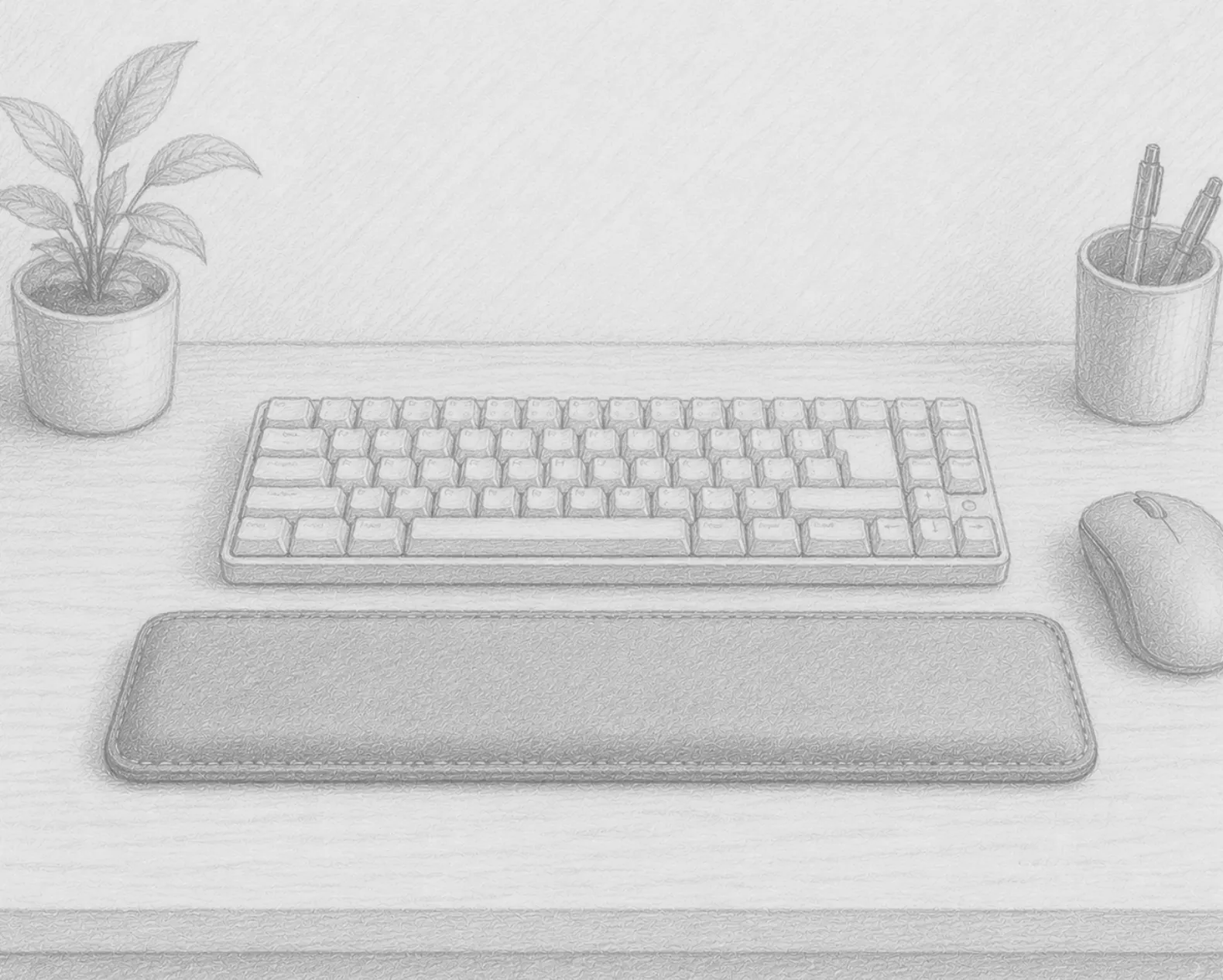
A keyboard wrist rest sits directly in front of your keyboard and provides a padded surface at keyboard height. Key considerations:
Length: Should match the width of your keyboard. A tenkeyless (TKL) keyboard needs a shorter rest than a full-size keyboard with a number pad.
Height: Should be at or very slightly below the height of your keyboard’s home row keys. Too tall creates an upward wrist angle; too short doesn’t help.
Material options:
- Memory foam: Conforms to the shape of your wrists. Comfortable, affordable, but can compress and lose support over time.
- Gel-filled: Slightly firmer and more durable than memory foam. Stays cooler in warm environments.
- Cork or wood: Firm, eco-friendly, and durable. Less contouring but very stable.
Mouse Wrist Rests
A mouse wrist rest sits beneath your mousing hand and provides support during the mousing motion. It’s particularly useful if you:
- Use a mouse for extended periods (graphic design, spreadsheet work, etc.)
- Notice discomfort in your right (or left) wrist after long mouse sessions
- Use a mouse pad that’s too thin to cushion wrist contact
Gel mouse wrist rests are the most common and effective. They should be positioned so your wrist rests on them with your arm roughly parallel to the desk and your hand in a neutral, relaxed position over the mouse.
The Ergonomic Caution
Wrist rests can help or hurt depending on how you use them. The most important rule: don’t rest your wrists on the pad during active keystrokes. This is especially important if you’re a touch typist. Use the rest during pauses.
If you find that wrist rests don’t help — or your wrist pain is persistent — the more comprehensive solution is an ergonomic keyboard (which addresses wrist position at the input device level) combined with proper desk and chair height adjustment. A wrist rest alone is a supplement to good ergonomics, not a substitute for it.
Signs You Should Try a Wrist Rest
- Noticeable redness or indentation on your wrists after typing sessions
- Fatigue in the forearm muscles by mid-afternoon
- Wrists that drop below keyboard level during typing (a sure sign your keyboard is too high)
- Wrist pain or stiffness in the mornings (which can indicate carpal tunnel strain)
A Low-Cost, High-Impact Addition
At $15–$30 for a quality option, a wrist rest is one of the most affordable ergonomic upgrades you can add to a home office. It won’t fix a badly configured workstation, but for anyone who types for hours every day on an otherwise decent setup, it’s a simple addition that often provides noticeable comfort improvement quickly.
Recommended Products
Top-rated wrist rests for keyboard and mouse use:
- Memory Foam Keyboard Wrist Rest — A full-width memory foam wrist rest that sits in front of your keyboard. Comfortable, affordable, and easy to match to most desk setups.
- Gel Mouse Wrist Rest — A gel-filled wrist rest pad for your mousing hand. Keeps your wrist supported and in a neutral position throughout long sessions.
- Wrist Rest Set (Keyboard + Mouse) — Matching keyboard and mouse wrist rests for a unified look and consistent support across both input devices.
As an Amazon Associate, we earn from qualifying purchases.