You don’t need to spend thousands of dollars to build a home office that’s comfortable, functional, and professional. The remote work gear industry has grown so competitive that excellent equipment exists at every price point. What you need is a clear sense of priorities — what to spend on, what to skip, and where cheap options hold up as well as expensive ones.
The Priority Framework
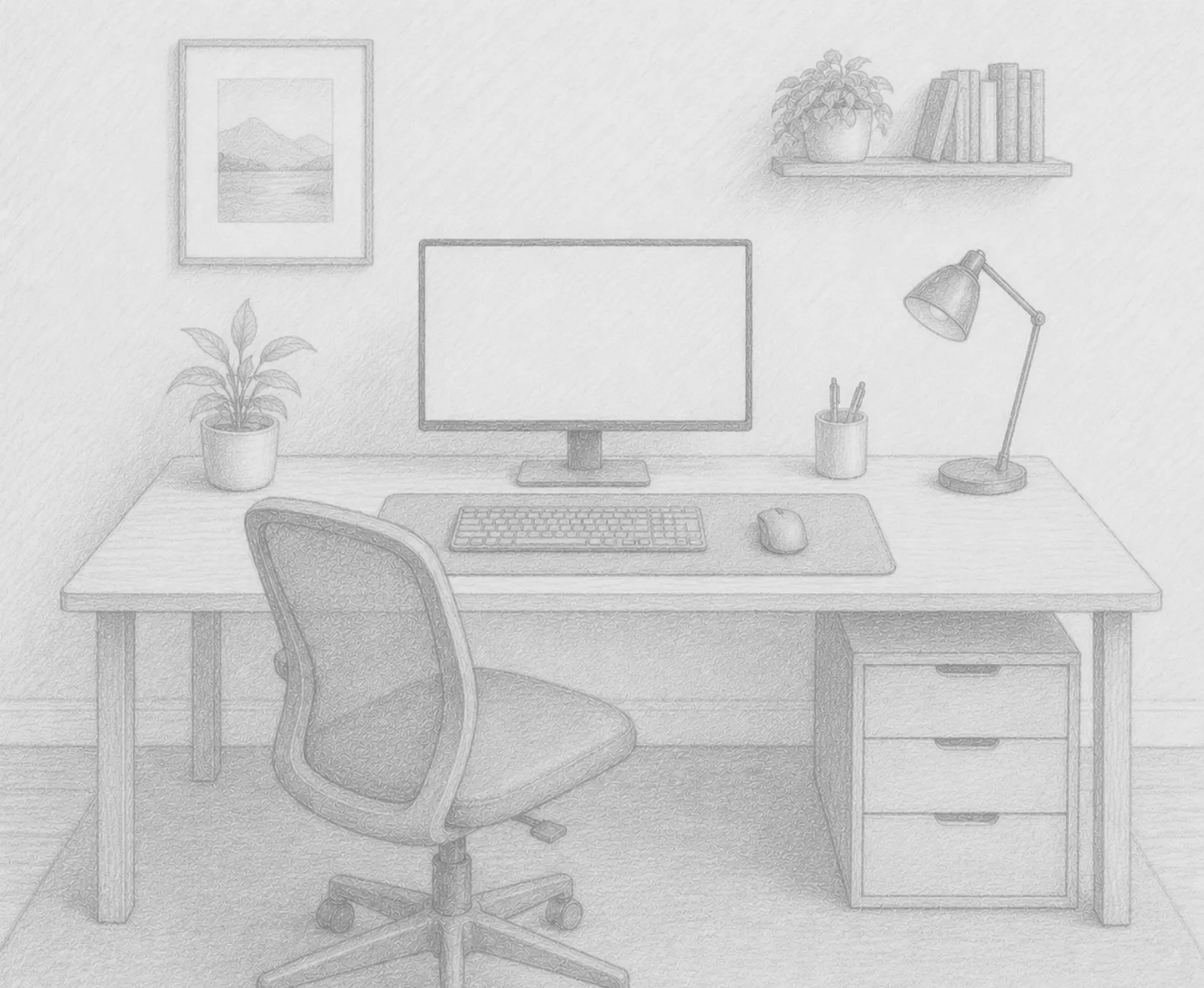
Not all home office gear is equally impactful. Before spending anything, rank your needs by how many hours you interact with each item and how much physical impact it has on your body.
High priority (invest here):
- Chair — you’re in it for 8 hours a day
- Monitor — you’re looking at it for 8 hours a day
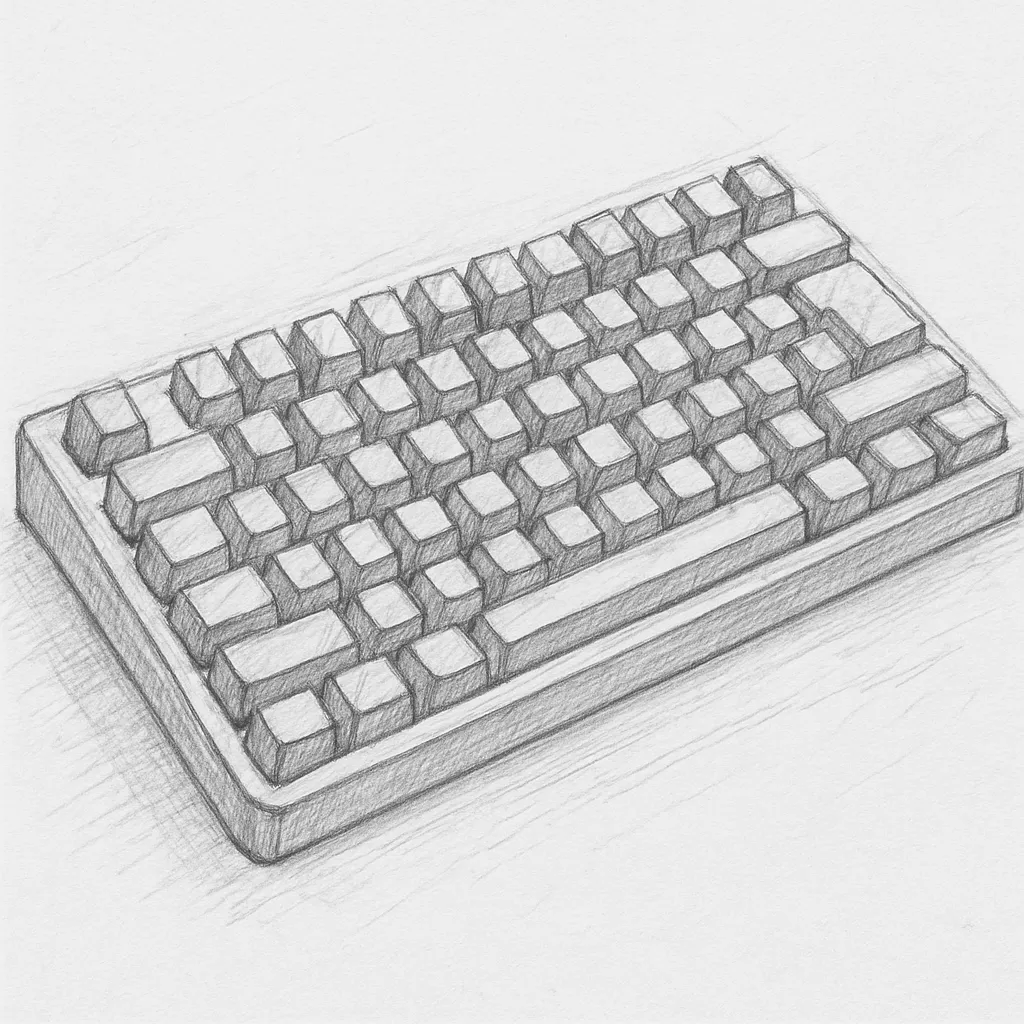
- Keyboard and mouse — your primary physical interfaces
Medium priority (get quality, not premium):
- Desk — needs to be stable and properly sized, but brand doesn’t matter
- Lighting — affects eye strain and video call quality significantly
Lower priority (budget options are fine):
- Desk accessories — cable clips, organizers, small items
- Webcam — unless you’re on video calls constantly
- Headphones — budget noise-canceling has improved dramatically
The Chair: Best Value Options
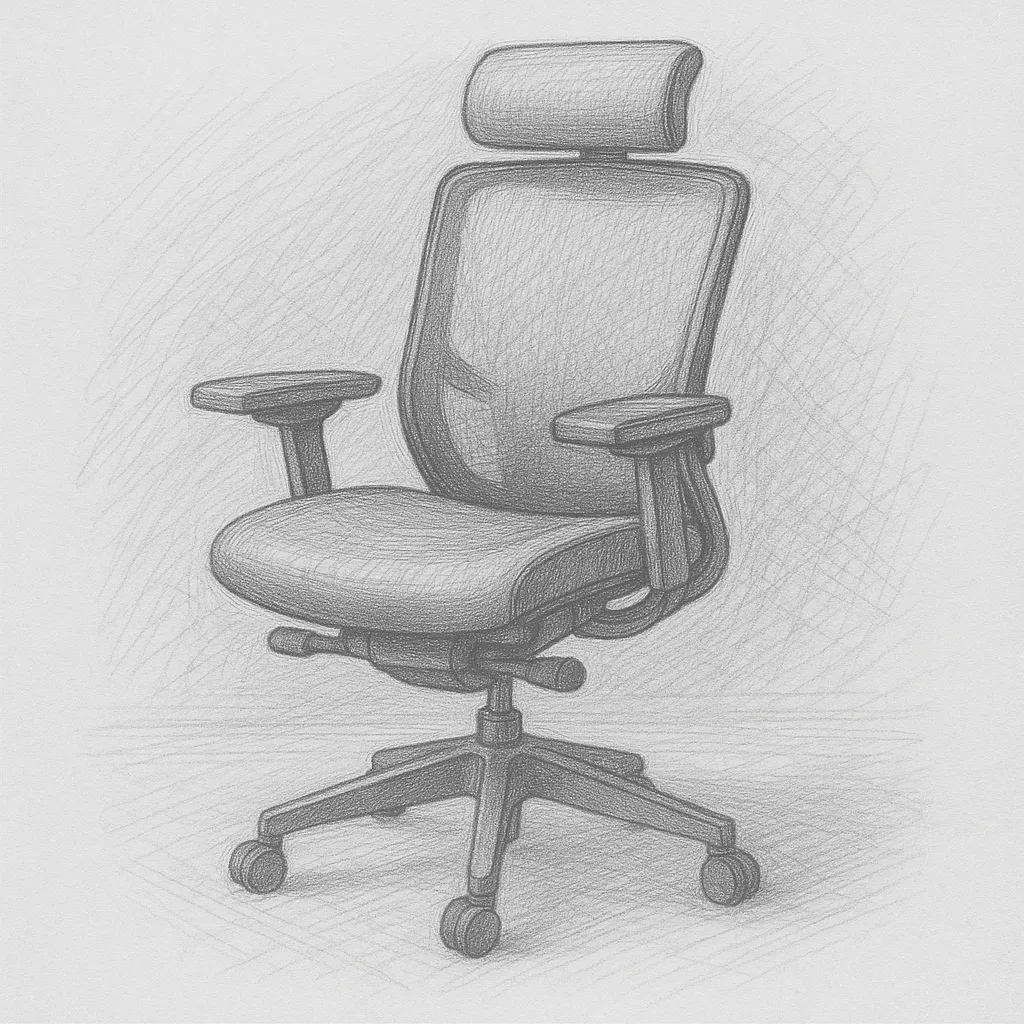
The chair is the hardest item to cheap out on without consequences. That said, you don’t need a Herman Miller to get proper ergonomic support.
In the $80–$150 range, look for:
- Adjustable seat height
- Lumbar support (ideally adjustable)
- Armrests (4D adjustable is a bonus, but at minimum height-adjustable)
- Breathable mesh back
Avoid chairs with no lumbar support or fixed-height armrests at any price. These compromise your posture regardless of cost. Read recent reviews carefully — cheap chairs vary enormously in build quality between models.
The Desk: Stable Over Stylish
A budget desk needs to be stable (no wobble under typing), the right height for your chair, and large enough for your monitor(s) and keyboard. That’s it.
IKEA’s LINNMON/ALEX combination (table top + drawer unit) has been a home office staple for years and delivers excellent value. Solid folding tables work fine if aesthetics aren’t a priority. The premium standing desk upgrade is great but not essential — a good fixed-height desk at the right ergonomic height is entirely sufficient.
What to avoid: desks that wobble or flex when you type. This is immediately annoying and never improves.
Monitor: Used Market Is Your Friend
New monitors at 24” 1080p are under $150 and are perfectly adequate for most knowledge work. But the used/refurbished monitor market is exceptional value.
A used 27” 1440p monitor from a major brand (LG, Dell, Samsung) can be found for $100–$150 through eBay, Facebook Marketplace, or refurbished retailer sites — monitors that would cost $250–$350 new. Panel quality at this resolution and size is excellent from established brands. Monitors last a long time and depreciate quickly; buying used is rational.
Keyboard and Mouse: Go Wireless
Budget wireless options have closed the gap with premium products significantly. A Logitech wireless keyboard and mouse combo in the $30–$50 range provides:
- Reliable wireless connection
- Decent key travel and tactile response
- Plug-and-play USB receiver
- Long battery life
This isn’t the experience of an MX Keys + MX Master, but it eliminates cable clutter, has acceptable typing feel, and will last years. For most workers, this is entirely sufficient.
Lighting: A Desk Lamp Makes a Difference
Under $40, a quality LED desk lamp with adjustable brightness and color temperature is widely available and makes a genuine difference to both eye strain and video call appearance. This is one category where budget options are nearly as good as premium — the core technology (adjustable LED) is commoditized.
Free and Low-Cost Wins
Several home office improvements cost nothing or nearly nothing:
- Laptop stand from books: Before buying a dedicated stand, stack books under your laptop to test the height. If it helps, then buy the stand.
- Box as a standing desk test: Before investing in a standing desk, stack boxes to simulate standing height for a day. Many people discover they don’t want to stand as much as they expected.
- Cable management with tape and clips: A $5 pack of adhesive cable clips solves 80% of cable management problems.
- Positioning your chair correctly: A proper chair height and posture adjustment costs nothing and has immediate impact.
What Order to Buy In
If you’re building from scratch with a limited budget:
- Chair (biggest impact, ~$100–$150)
- Desk (stable + right size, ~$80–$150)
- Monitor (used 27” 1440p or new 24” 1080p, ~$100–$150)
- Keyboard + mouse (wireless combo, ~$40–$60)
- Desk lamp (~$30–$40)
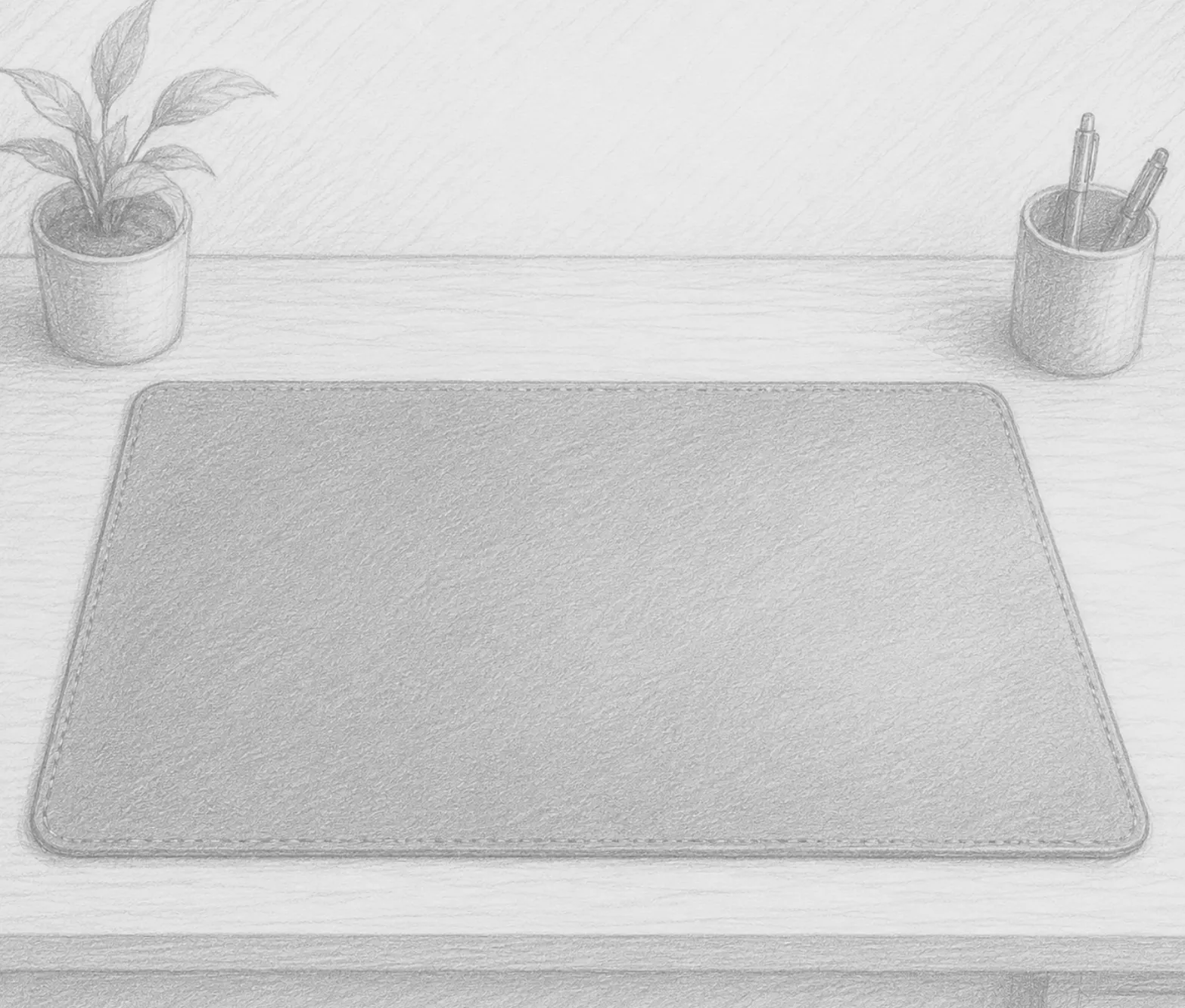
- Desk mat (~$15–$25)
- Everything else as budget allows
Total for a genuinely functional, comfortable home office: $365–$525. A Herman Miller chair alone costs more than this entire setup — and you can get 90% of the ergonomic benefit for a fraction of the price.
Recommended Products
The best value picks for a budget home office setup:
- Ergonomic Office Chair Under $150 — Browse the top-rated budget ergonomic chairs with lumbar support, adjustable height, and armrests. Sorted by reviews so the best value rises to the top.
- 24” Full HD Monitor Under $150 — A new 1080p 24” monitor covers most office tasks at a price that makes sense on any budget.
- Wireless Keyboard and Mouse Combo — Logitech’s combo packs eliminate cable clutter at a budget-friendly price point with proven reliability.
As an Amazon Associate, we earn from qualifying purchases.