Remote work offers freedom, but it also removes the natural structure of an office environment — no commute to start the day, no visible colleagues to create social accountability, no physical separation between work and rest. Without structure, hours blur together and productivity suffers. The Pomodoro Technique is one of the simplest and most effective systems for reclaiming structured focus, and it’s particularly well-suited to the work-from-home context.
What Is the Pomodoro Technique?
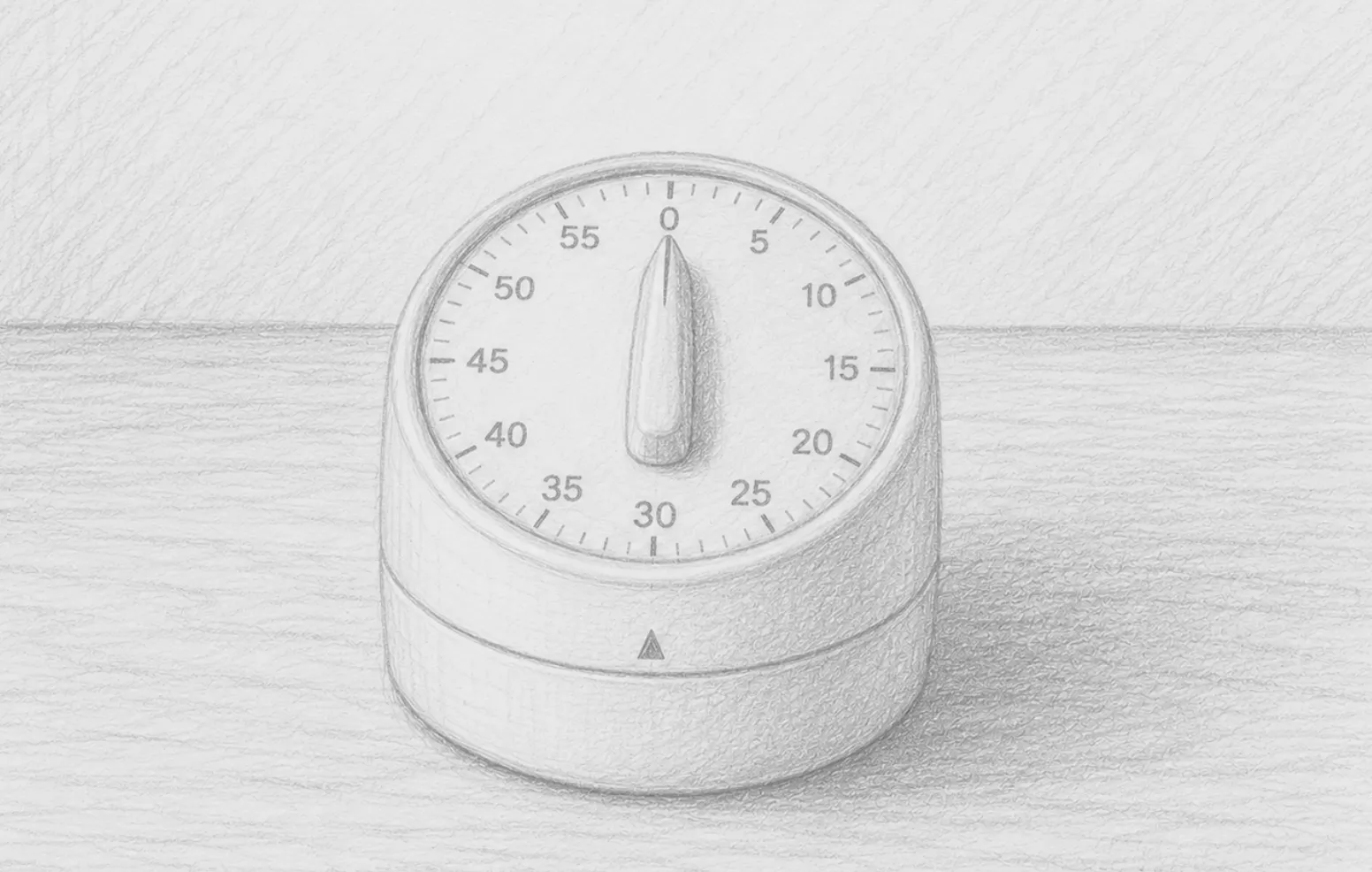
Developed by Francesco Cirillo in the late 1980s, the Pomodoro Technique is a time management method that breaks work into focused intervals — traditionally 25 minutes — separated by short breaks. Each interval is called a “Pomodoro” (Italian for tomato, after the tomato-shaped kitchen timer Cirillo used as a student).
The basic cycle:
- Choose a single task to work on
- Set a timer for 25 minutes
- Work on that task with complete focus until the timer rings
- Take a 5-minute break
- Repeat. After every 4 Pomodoros, take a longer break of 15–30 minutes
The simplicity is the point. Two decisions, a timer, and a commitment to singular focus.
Why It Works
It Makes Time Tangible
One of the biggest productivity killers for remote workers is vague, unbounded work time. “I’ll work on this for a while” has no edge to it. A 25-minute timer creates a visible, finite container. The work feels manageable because there’s an end in sight.
It Enforces Single-Tasking
The rule during a Pomodoro is simple: one task, no interruptions. No switching tabs, no checking Slack, no “quick” responses to notifications. This single-tasking rule is the antithesis of how most knowledge workers actually operate — and the research on task-switching is unambiguous: it’s extremely costly. Every switch costs cognitive overhead. A Pomodoro locks you in.
It Builds Awareness of Time
After a few weeks of Pomodoros, you develop a much more accurate intuition for how long things take. “How many Pomodoros will this report take?” becomes a useful planning unit. This is a skill that translates directly into better project estimation and scheduling.
It Makes Breaks Non-Negotiable
Most remote workers either never take breaks (grinding until exhaustion) or take unstructured breaks that expand indefinitely. The Pomodoro technique builds breaks into the system. A 5-minute break every 25 minutes is enough to reset attention without losing momentum.
Adapting It for Remote Work
The original 25/5 split is a starting point, not a law. Many experienced practitioners modify it based on the type of work:
- Deep creative work: 50-minute Pomodoros with 10-minute breaks. Long enough to reach flow state, short enough to prevent fatigue.
- Administrative tasks: 25-minute intervals work perfectly. Tight container, clear deliverable.
- Learning or research: 30–40 minute intervals allow more time to get deep into material before surfacing.
Experiment with intervals that match your own focus rhythm. The core principle — timed focus followed by deliberate rest — works at any interval.
What Counts as a Break?
The quality of your break matters. Five minutes of scrolling social media is not a genuine break — you’re still consuming information and maintaining cognitive load. Effective Pomodoro breaks include:
- Standing up and moving
- Looking out a window (particularly beneficial for eye rest after screen time)
- Making a drink
- Brief stretching
- Complete stillness
The goal is cognitive rest, not just task switching.
Handling Interruptions
Remote work interruptions are inevitable: a Slack message, a family member, an unexpected call. The Pomodoro approach has a clear protocol:
- If it can wait: Note it on a piece of paper (your “interrupt log”) and continue the Pomodoro. Deal with it after.
- If it genuinely can’t wait: Cancel the Pomodoro. Handle the interruption. Start a fresh Pomodoro. A cancelled Pomodoro doesn’t count — you start over.
This discipline trains both you and the people around you to respect focus time. Over time, interruptions decrease because others learn your work rhythms.
Tools and Timers
The original Pomodoro tool was a physical kitchen timer, and there’s genuine value in a physical timer — it’s visible, tactile, and introduces a satisfying ritual of winding it up at the start of each session. But any timer works.
Digital options range from browser extensions to dedicated apps. The best tool is the one you’ll actually use consistently. Many remote workers prefer a simple phone timer or a small dedicated desk timer to keep the ritual tactile and separate from their computer screen.
Starting This Week
You don’t need to overhaul your workflow to try this. Pick one task tomorrow that you’ve been procrastinating on. Set a 25-minute timer. Work on nothing else until it rings. See how it feels.
Most people who try it once are surprised by how much they accomplish — and how different focused time feels compared to their normal scattered approach. That’s the technique working.
Recommended Products
Tools to support your Pomodoro practice:
- Physical Pomodoro / Kitchen Timer for Desk — A physical timer creates a more intentional ritual than a phone alarm. Satisfying to wind, visible on your desk, and keeps focus off your screen.
- Time Timer Visual Clock — A visual timer that shows the remaining time as a shrinking red disk. Excellent for visual thinkers and anyone who loses track of time.
- Daily Planner / Productivity Journal — Track your Pomodoros and plan your day in a structured journal. The act of writing down tasks before starting sharpens focus.
As an Amazon Associate, we earn from qualifying purchases.