Expert advice, practical tips, and honest reviews to build your perfect home office
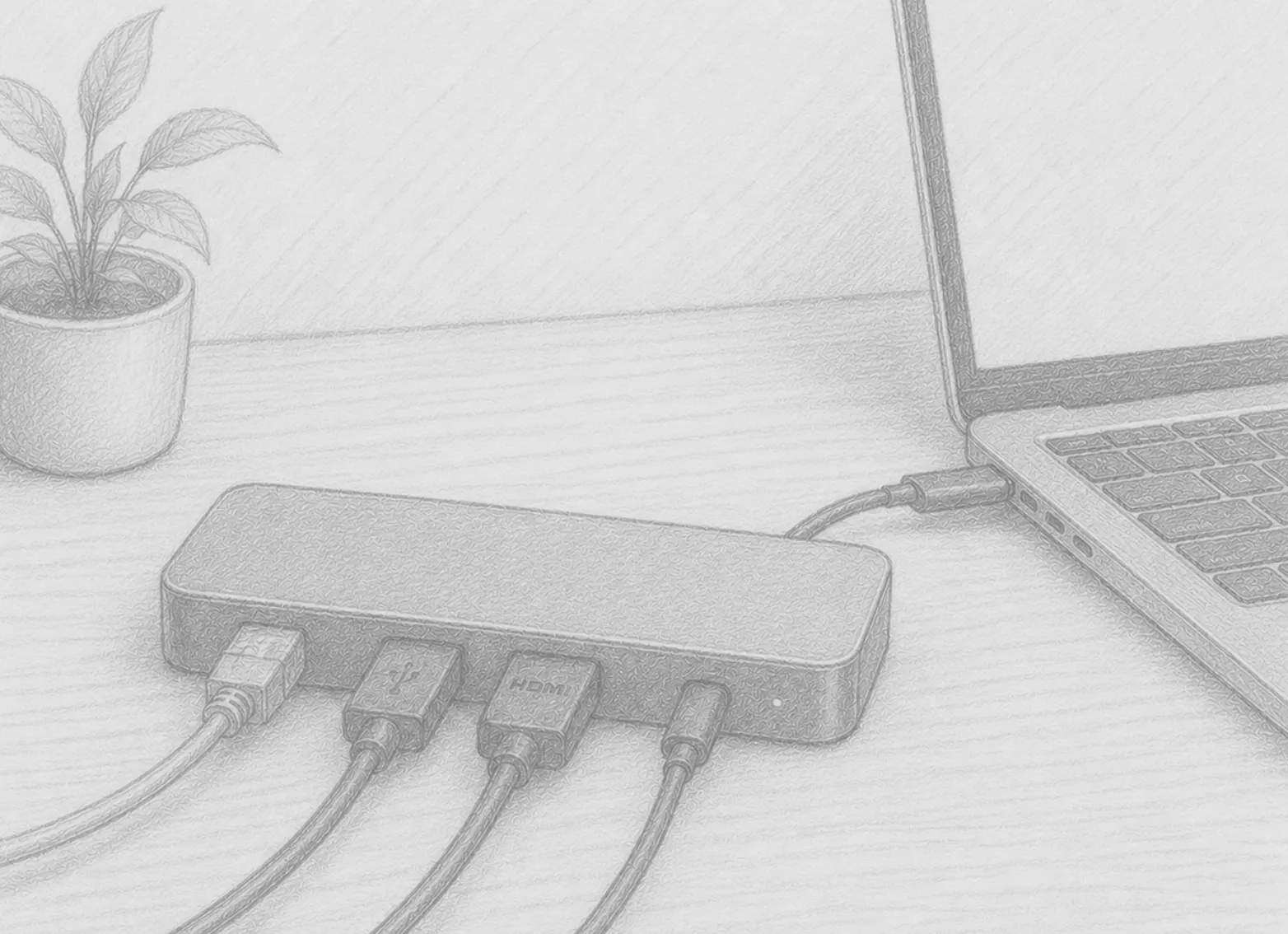
If you work from a laptop, your daily setup ritual probably looks something like this: plug in your monitor cable, plug in your keyboard USB dongle, plug in your mouse, plug in your phone charger, plug in your ethernet cable, and finally plug in power. Every morning. Every evening in reverse.
May 16, 2026 • 5 min read
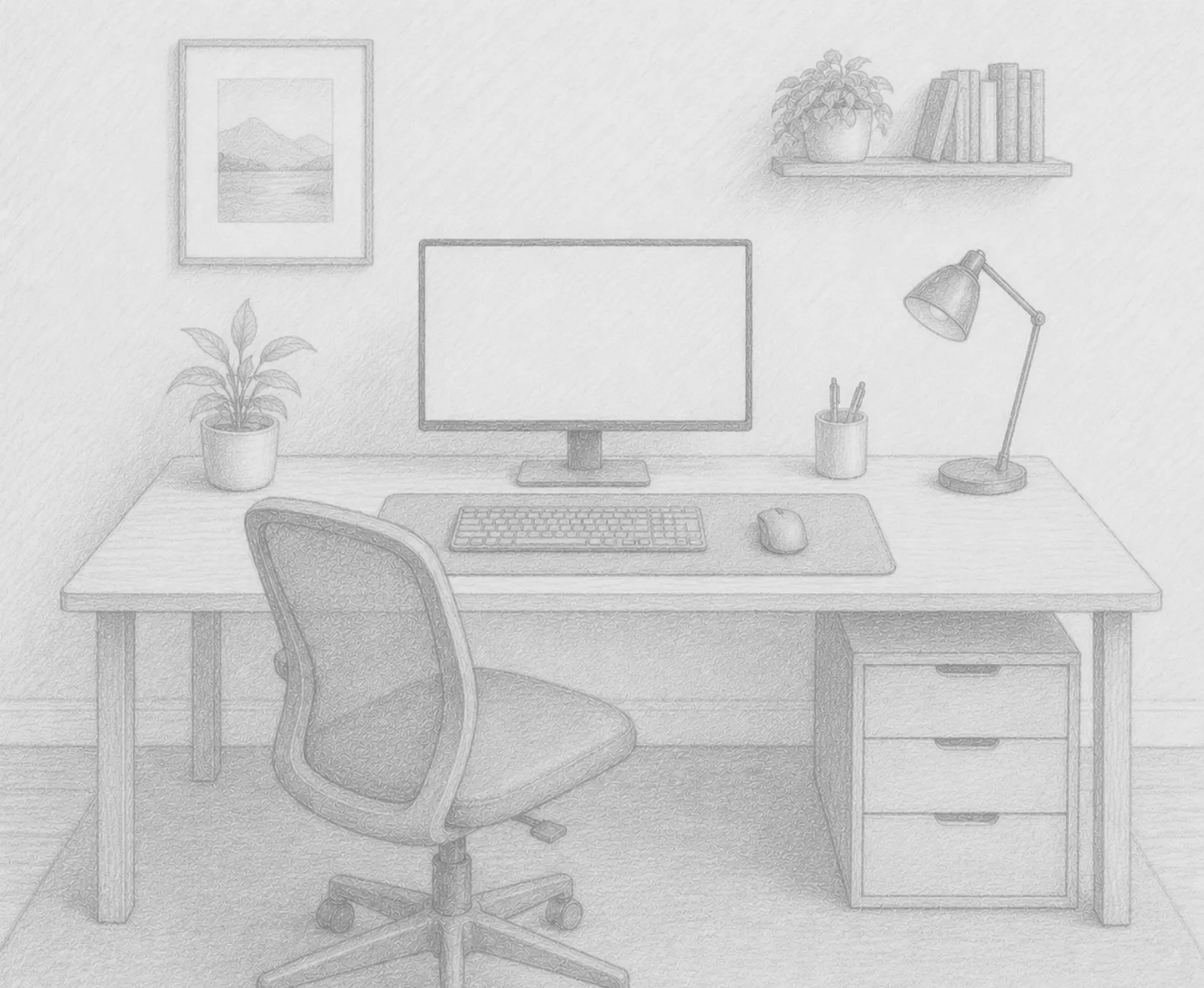
You don’t need to spend thousands of dollars to build a home office that’s comfortable, functional, …
May 15, 2026 • 5 min read
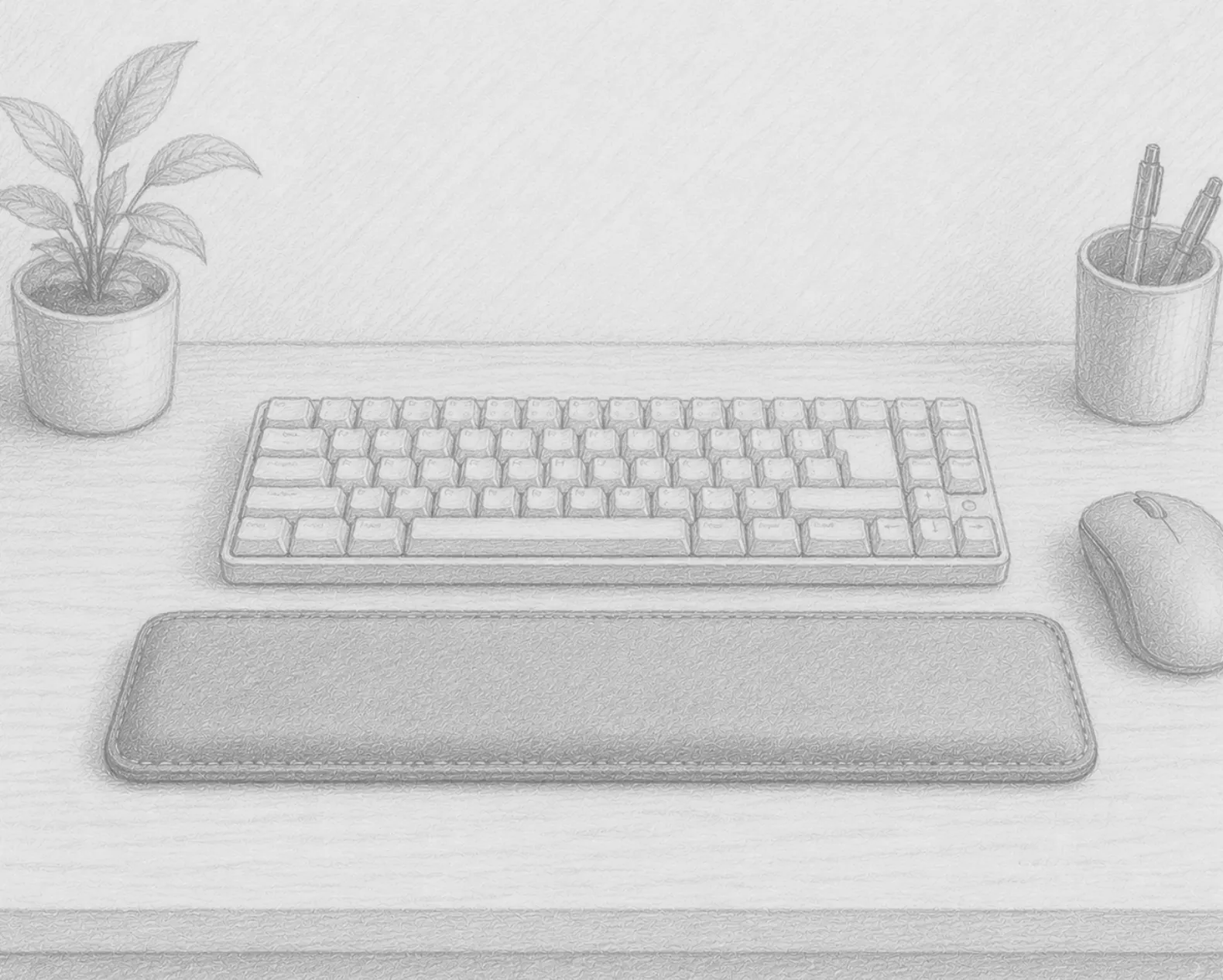
Wrist pain is one of the most common complaints among remote workers. Hours of typing and mouse use …
May 14, 2026 • 4 min read
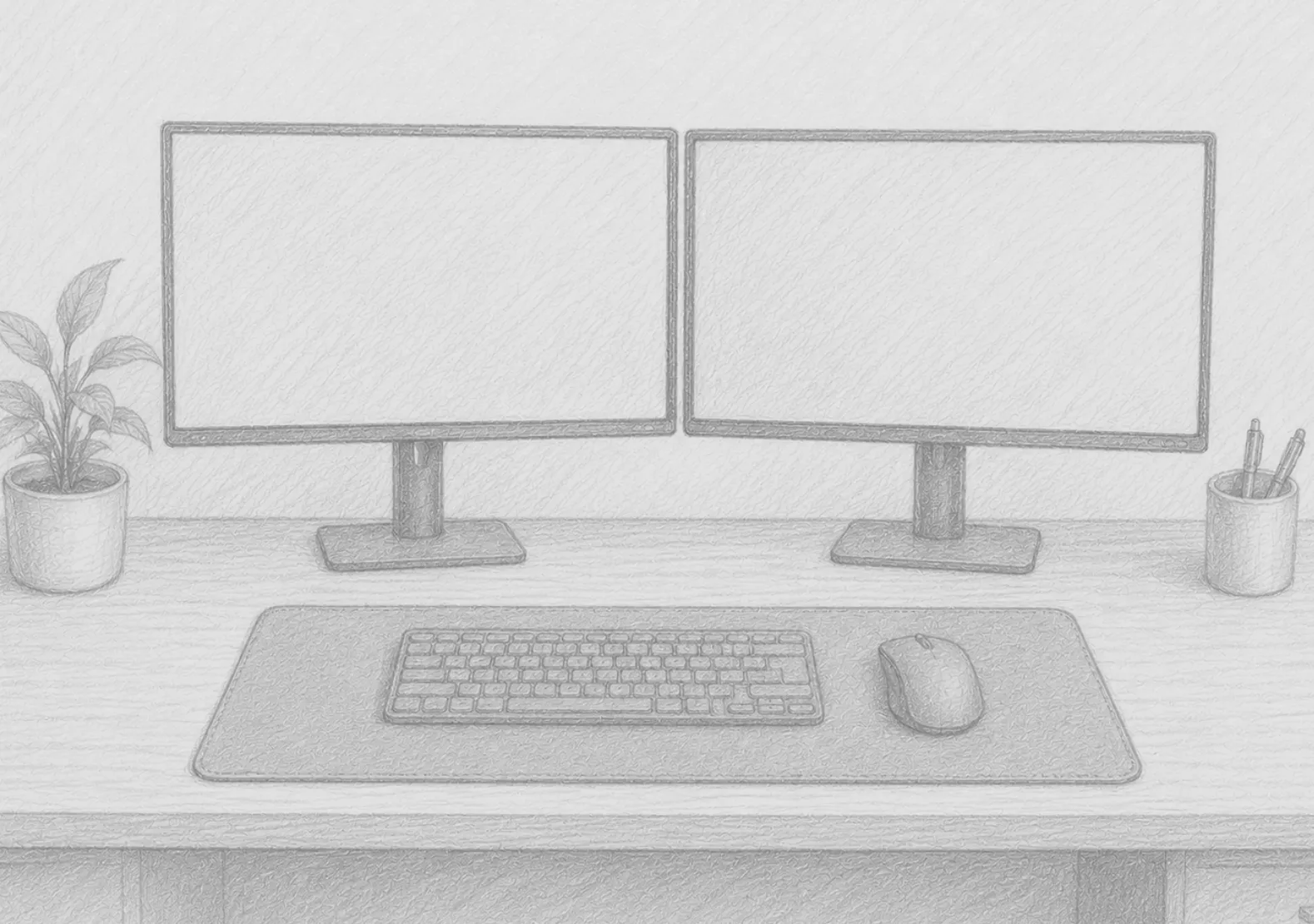
One monitor is a window. Two monitors are a workspace. The productivity case for a dual monitor setu…
May 13, 2026 • 5 min read
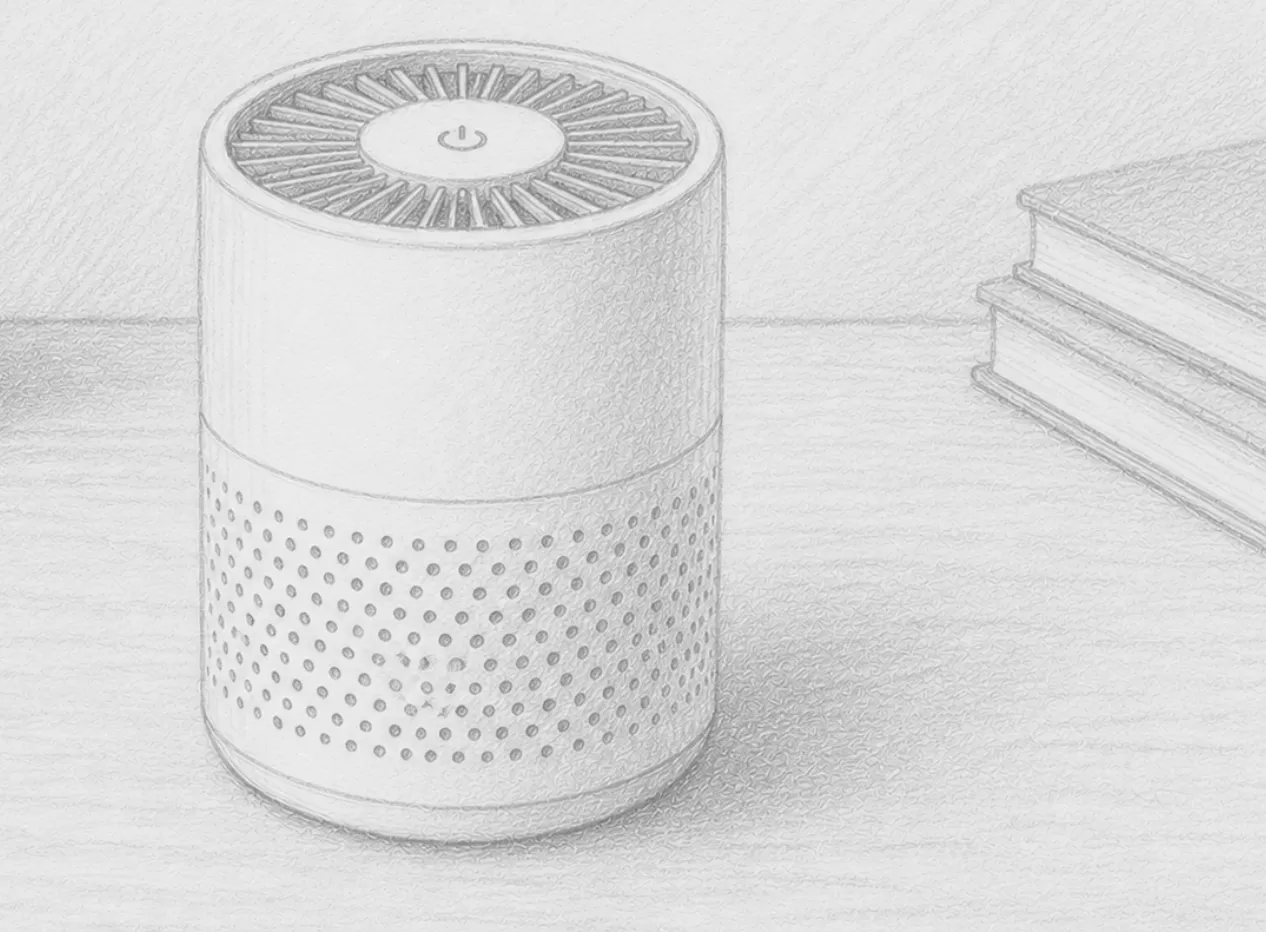
Most home office upgrades focus on what you can see: monitors, desks, chairs, lighting. But the qual…
May 12, 2026 • 5 min read
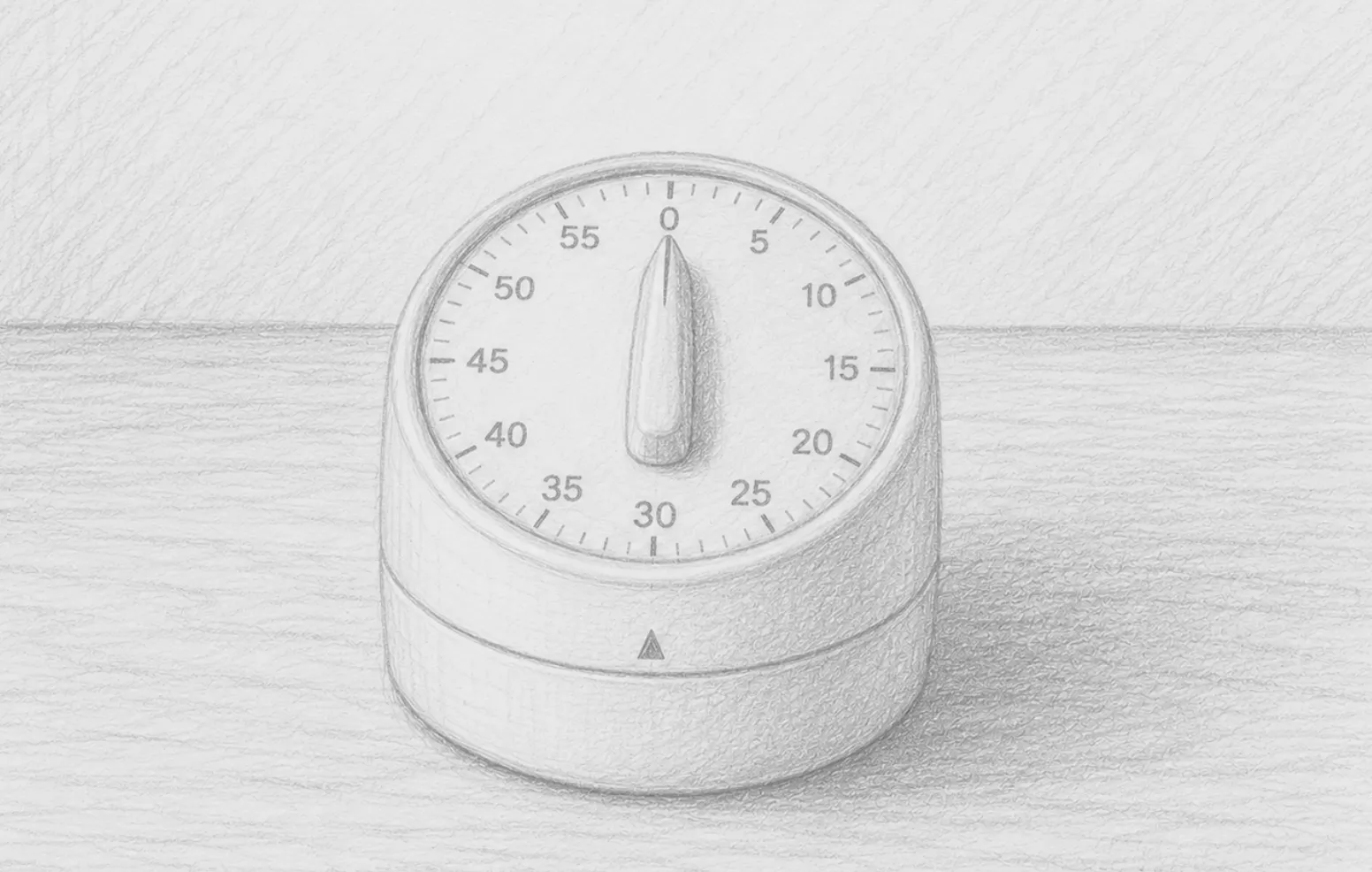
Remote work offers freedom, but it also removes the natural structure of an office environment — no …
May 11, 2026 • 5 min read
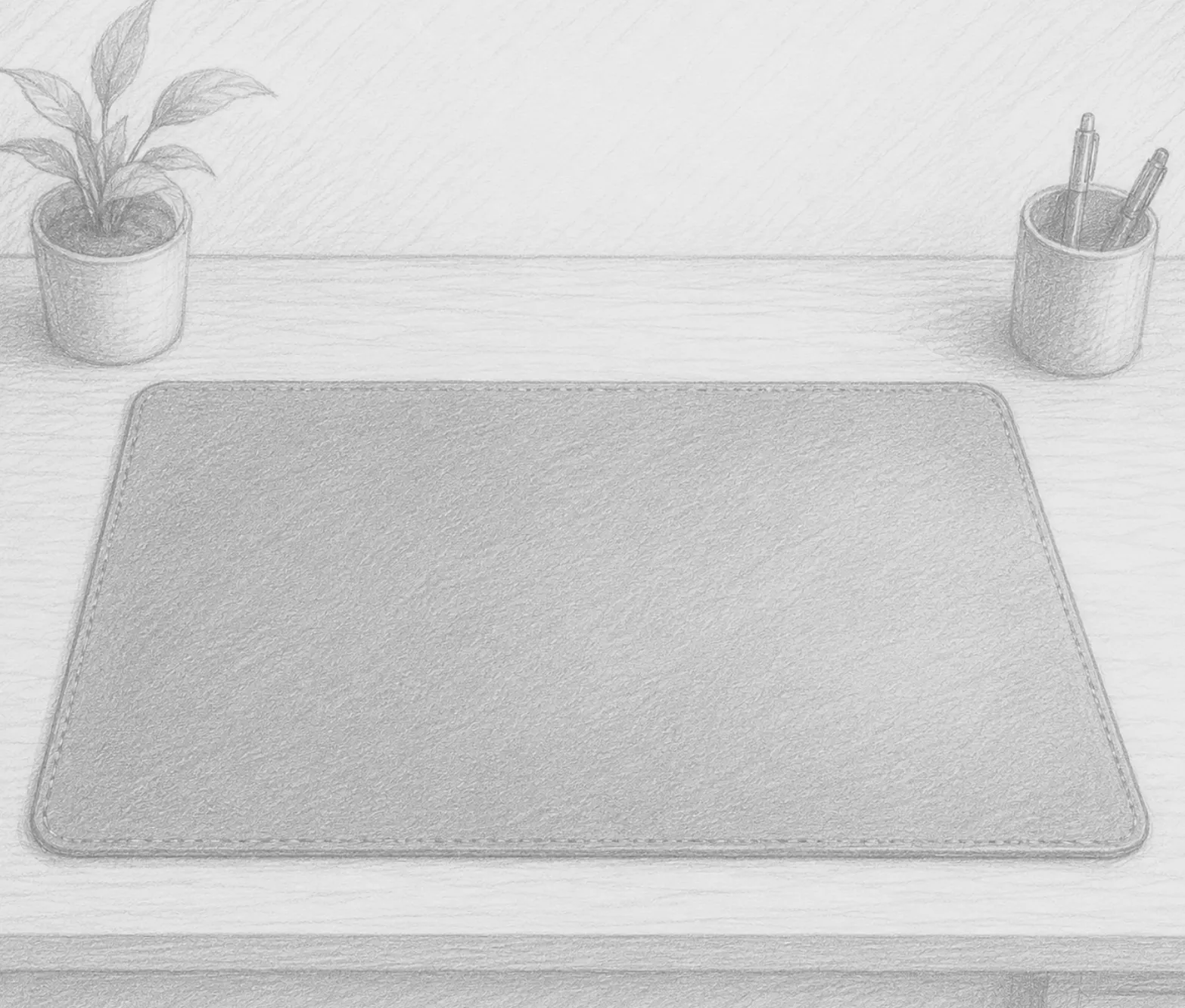
It might seem like a minor purchase — a pad you put on your desk. But a quality desk mat is one of t…
May 10, 2026 • 4 min read
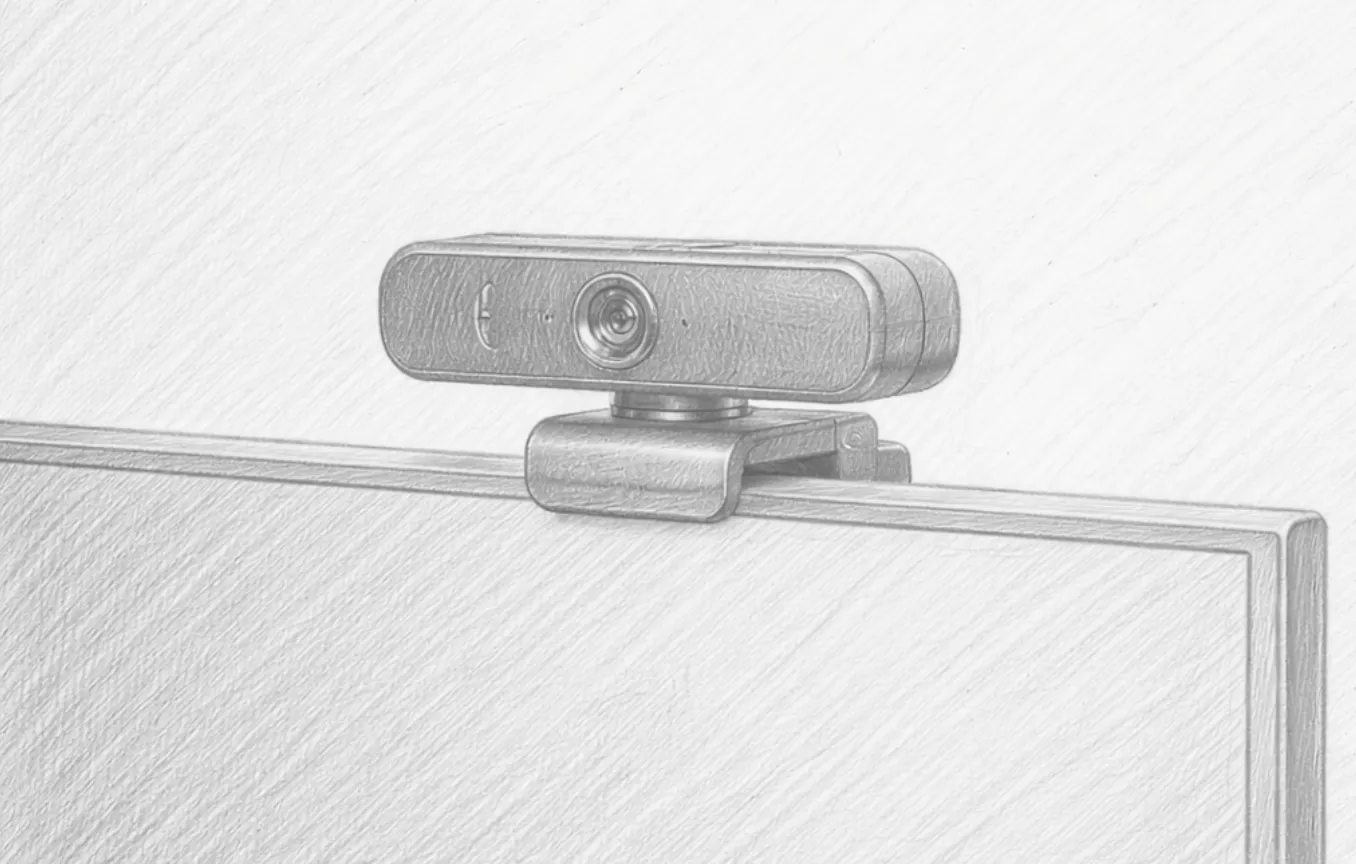
Your laptop’s built-in webcam was designed to be adequate, not impressive. It sits behind a small le…
May 09, 2026 • 4 min read
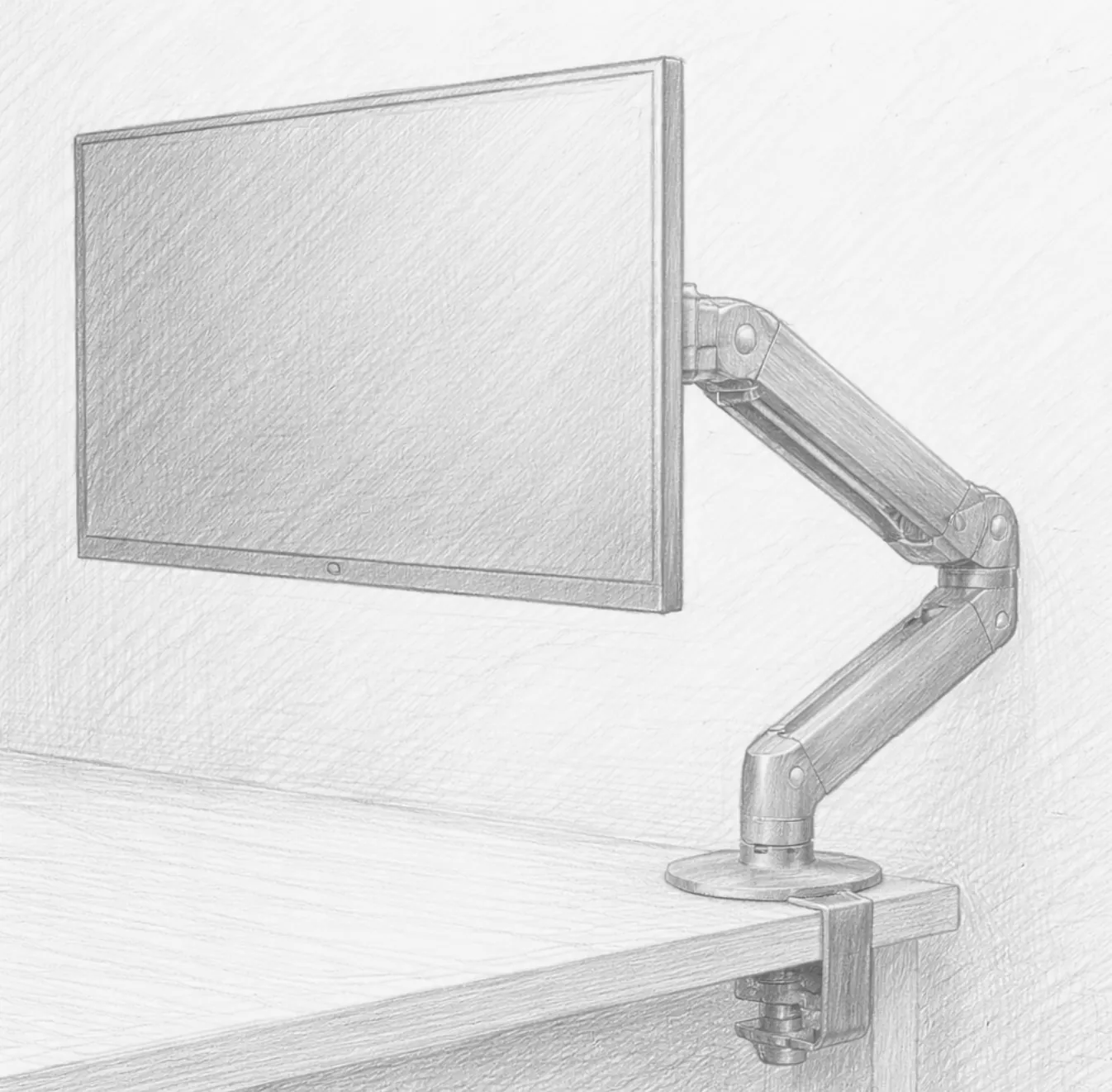
Most people set their monitor directly on the desk and never think about it again. But your monitor’…
May 08, 2026 • 4 min read
Working from home comes with a unique set of audio challenges. A barking dog, a lawnmower outside, a…
May 07, 2026 • 4 min read